A solid SEO blog isn't just a junk drawer of keyword stuffed posts. It actually has to fix real reader problems. At the same time, it feeds search engines enough…
Picking an SEO platform? It is not just about grabbing the one with the most bells and whistles. Sure, Semrush, Ahrefs, Moz, and SpyFu all cover the basics, like digging…
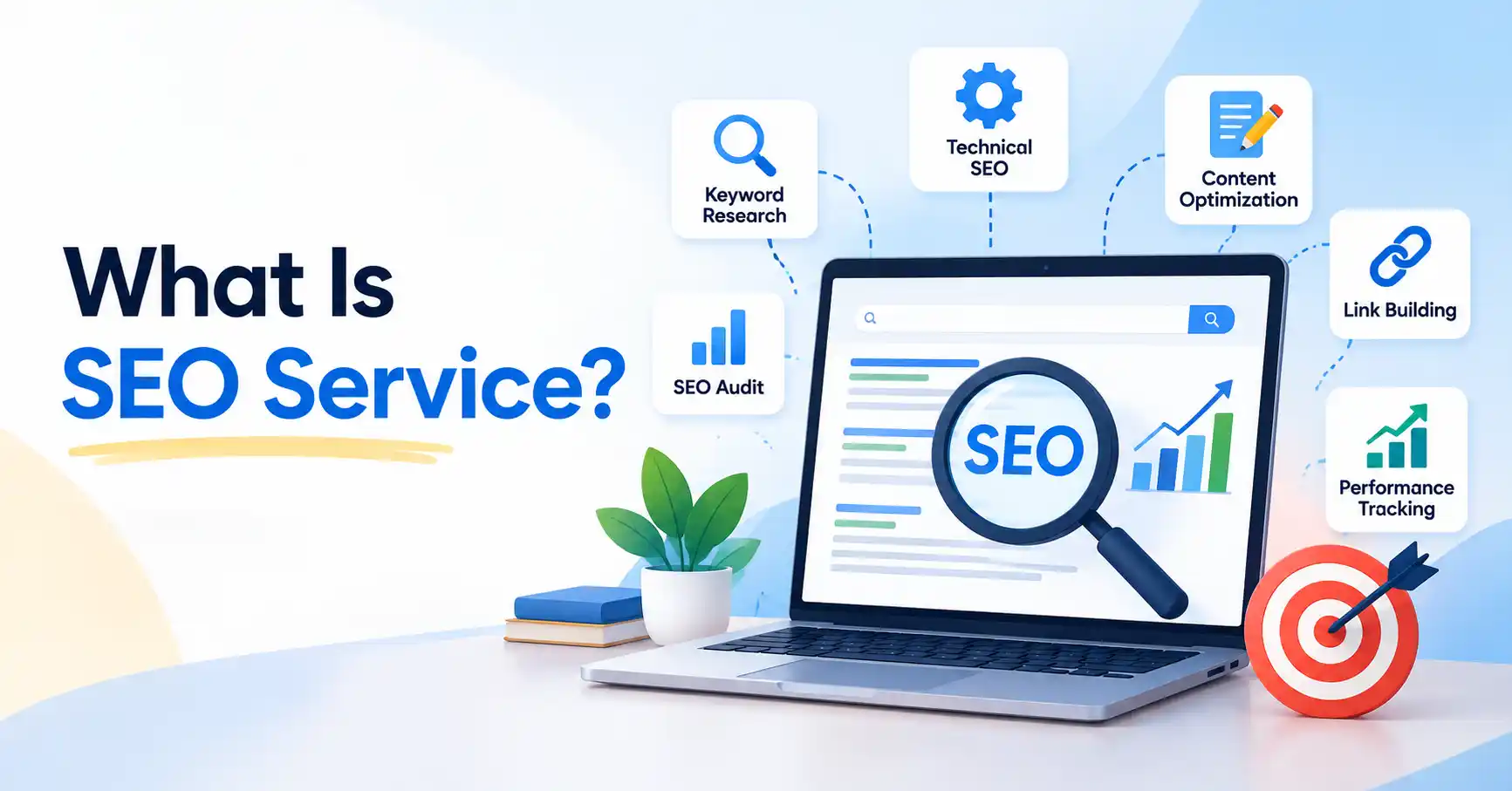
If you have heard terms like SEO agency, SEO package, SEO outsourcing, or white label SEO, you might still be wondering what an SEO service actually is. At its simplest,…
If you’ve ever searched your own name on Google and found very little useful information, the add me to search feature can help you build a clearer public profile. Google…
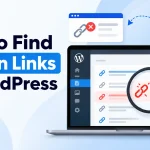
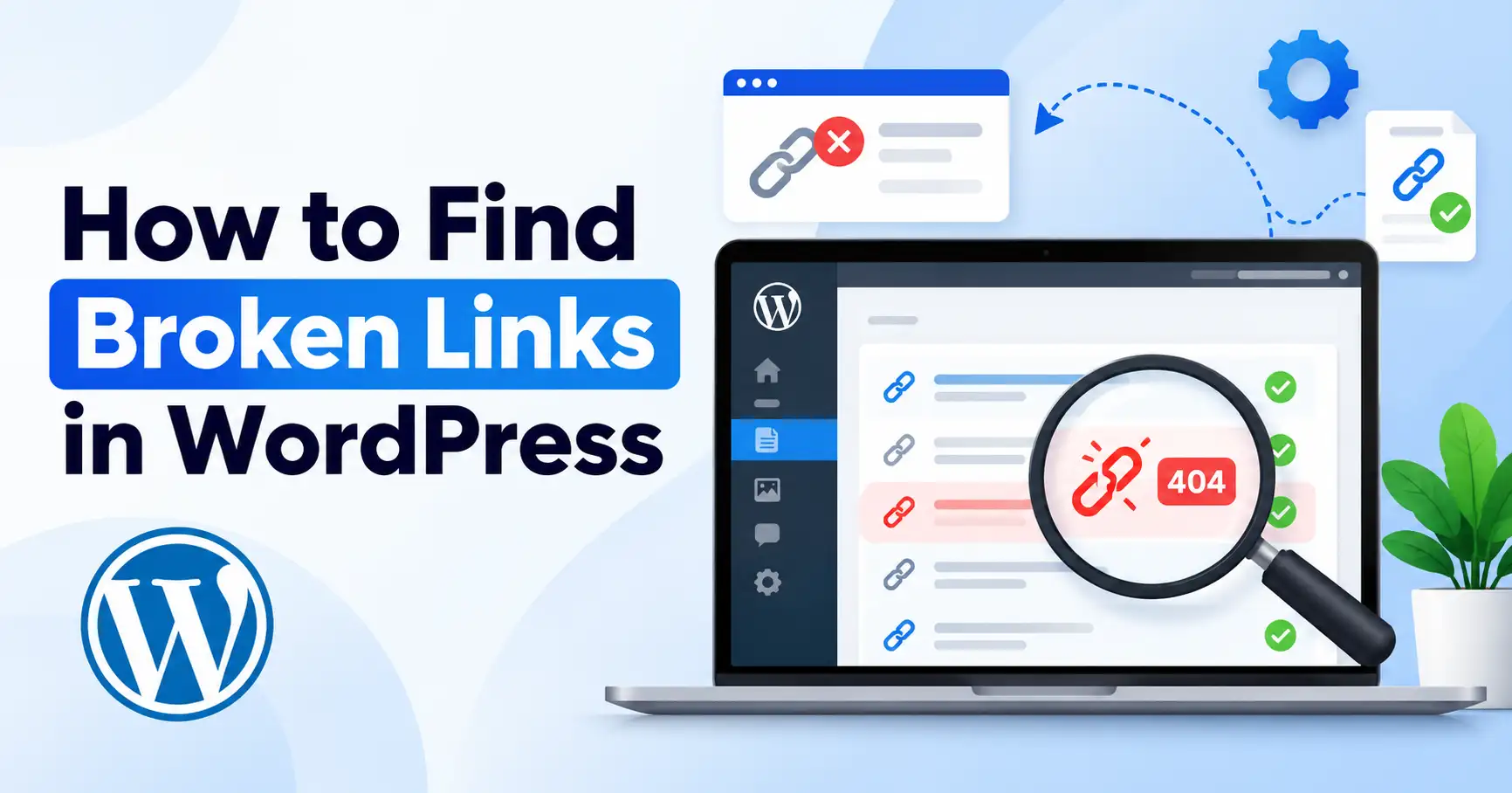
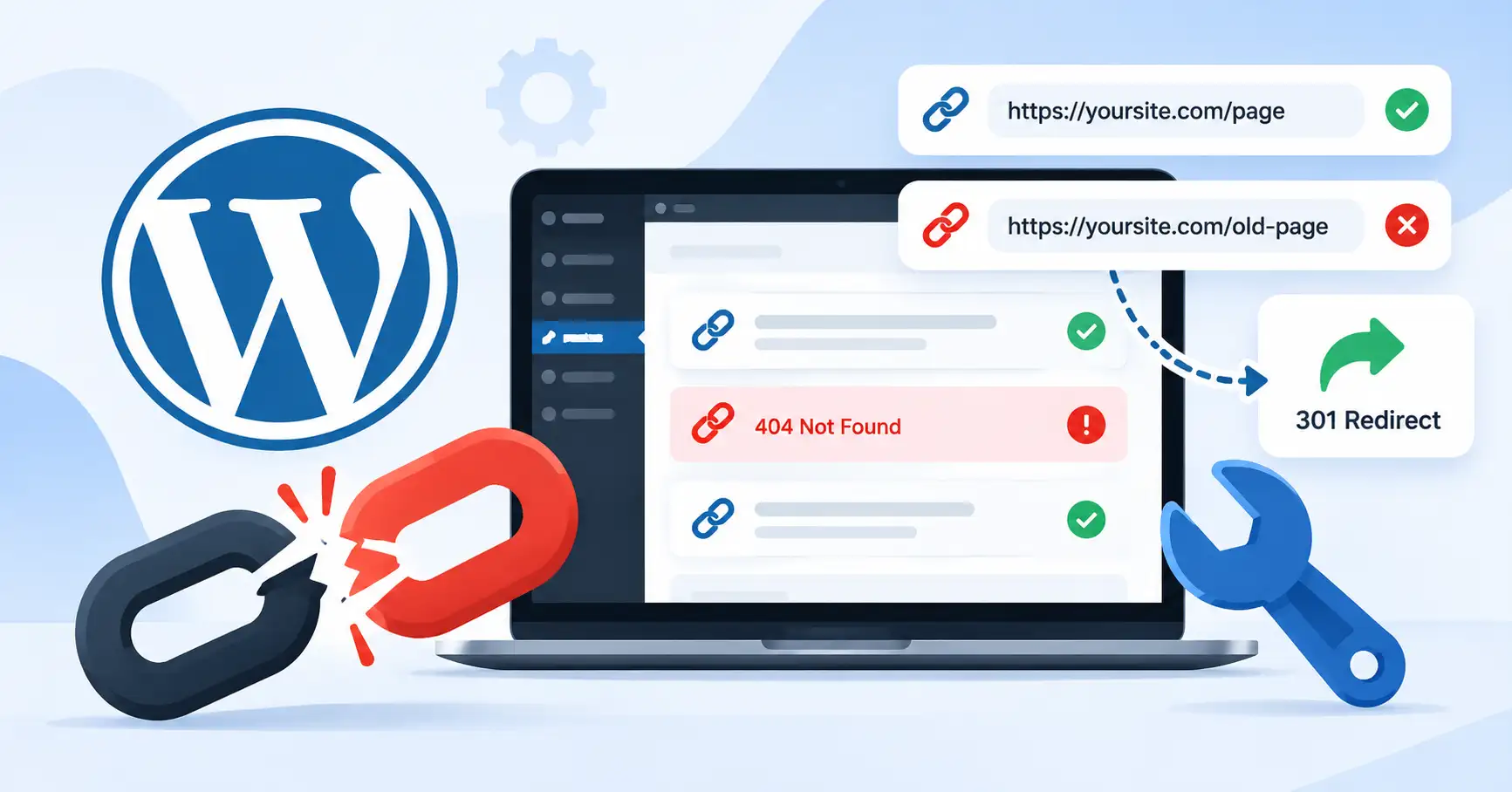
Broken links are easy to ignore. That is, until they start annoying visitors, breaking site navigation, or sending people directly to dead ends. If your WordPress site has dozens of…
Broken links are easy to overlook. A page gets deleted, a URL slug changes, an external resource disappears, or a website migration leaves behind old URLs. The site may still…
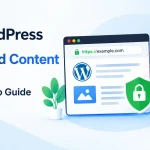
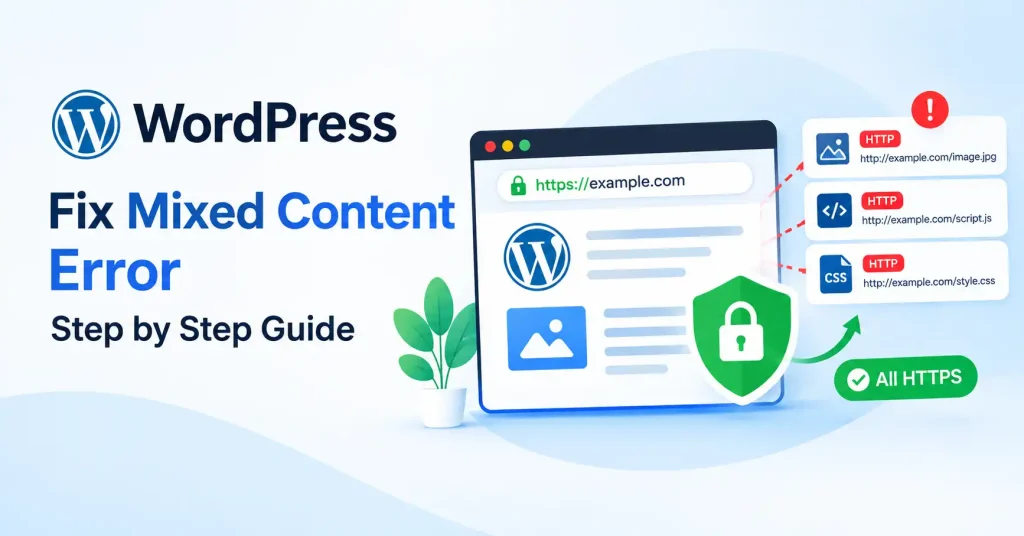
If your WordPress site runs on HTTPS and the browser still screams about insecure content, you are looking at a mixed content headache. It happens all the time. Usually right…
That “Not Secure” notice in WordPress can feel worrying, even if your site looks fine at first. Most of the time, it appears because the browser is still reaching your…
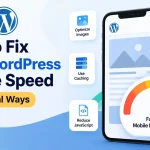
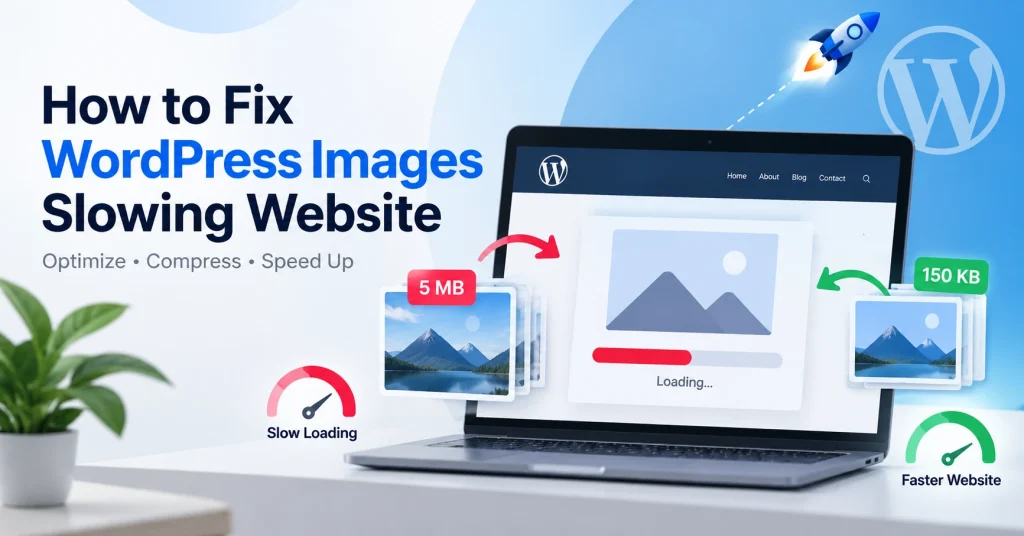
Massive images are the sneaky performance killer in WordPress. Your code might be pristine, your hosting solid, and your theme light as a feather. Still, the site drags. Why, Browsers…
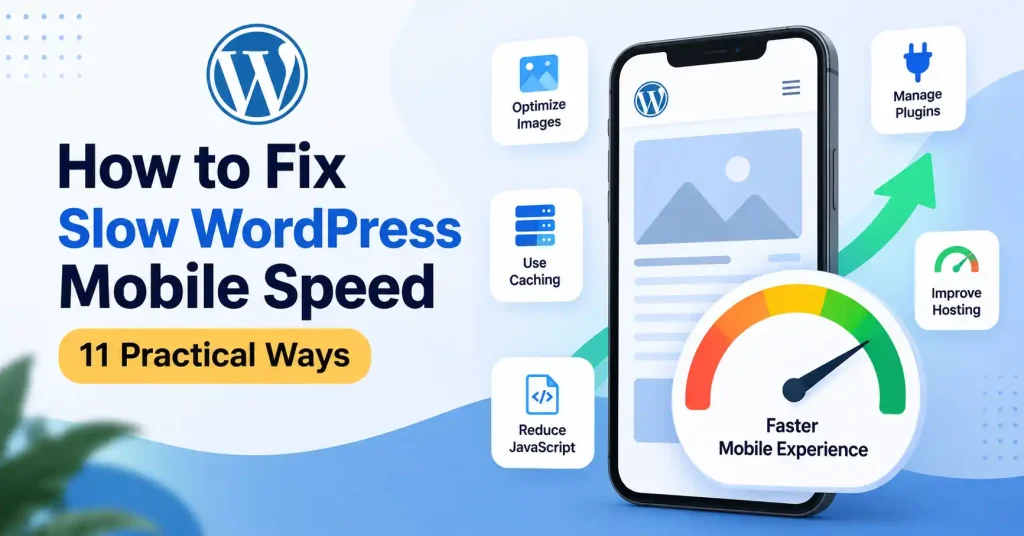
Your WordPress site might smoke on a desktop and still crawl on a phone. Why? Usually it is heavy JavaScript, bloated themes, slow server response times, or random third party…
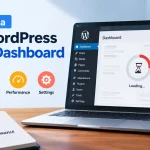
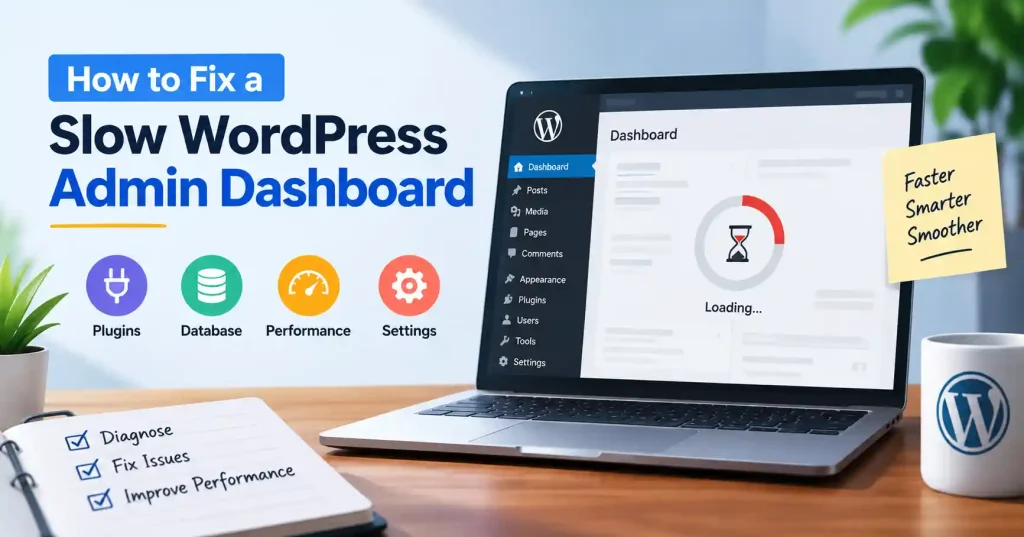
If your WordPress admin feels slow and every click takes its time, you might not need a bigger hosting plan or yet another plugin. Often the issue is inside the…
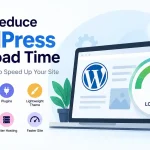
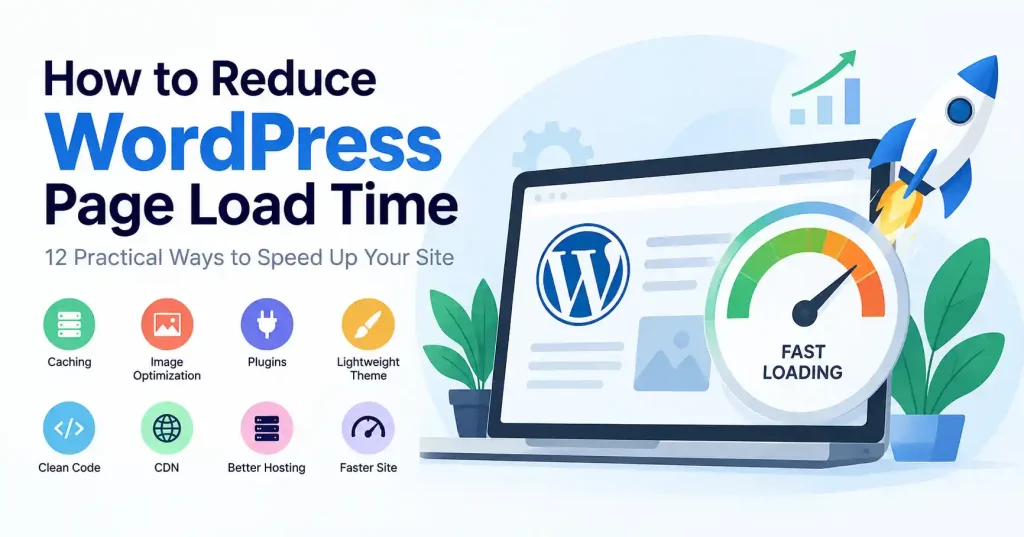
A WordPress site that feels slow usually has more than one reason behind it. A huge hero image can hurt. So can too many plugins. Weak hosting is also a…
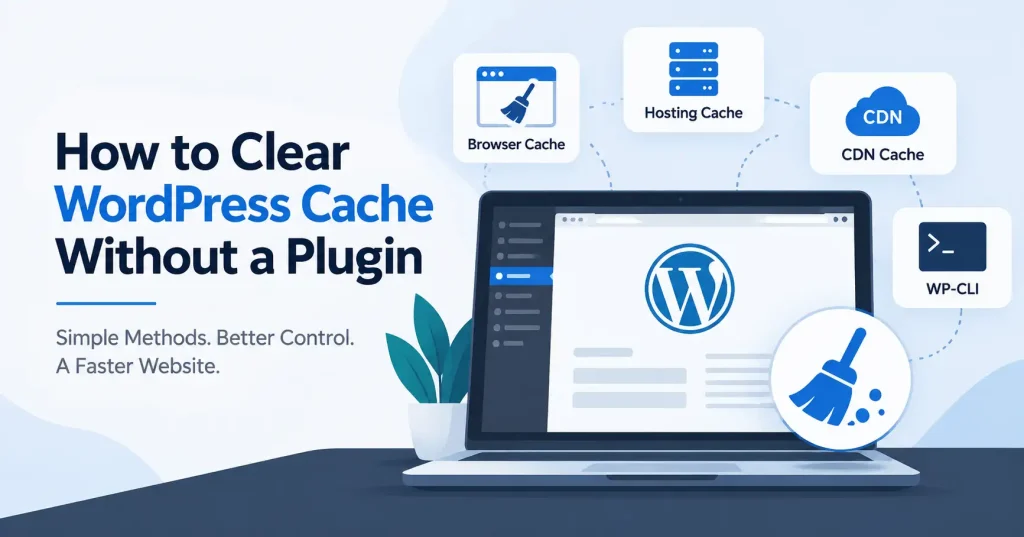
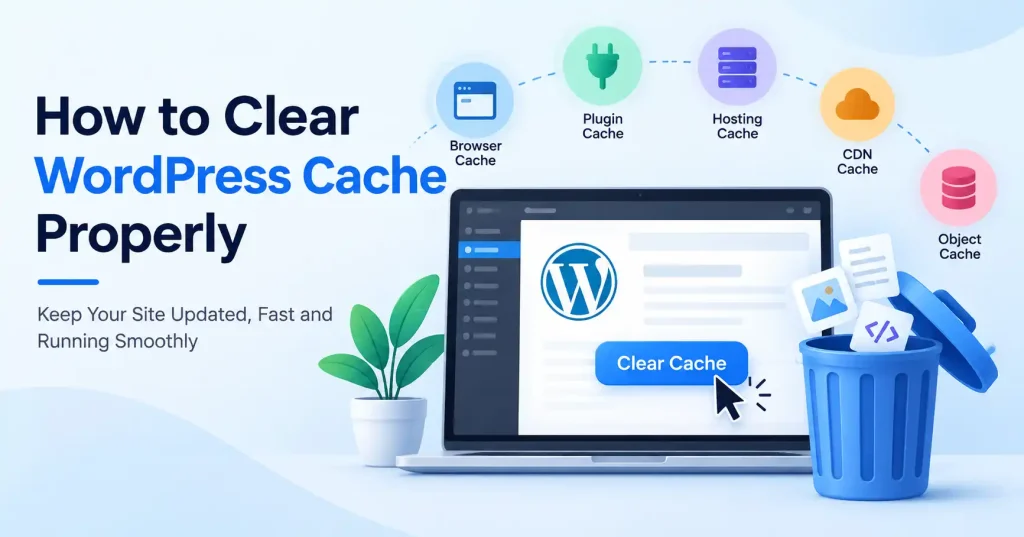
That WordPress site showing an outdated page even after edits? Blame the cache. Honestly, it is usually the main suspect. You do not always need to install yet another plugin…
Ever tweak a WordPress page, hit publish, and still stare at the old version? Cached files are almost certainly to blame. Getting the hang of wiping this data saves you…
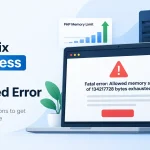
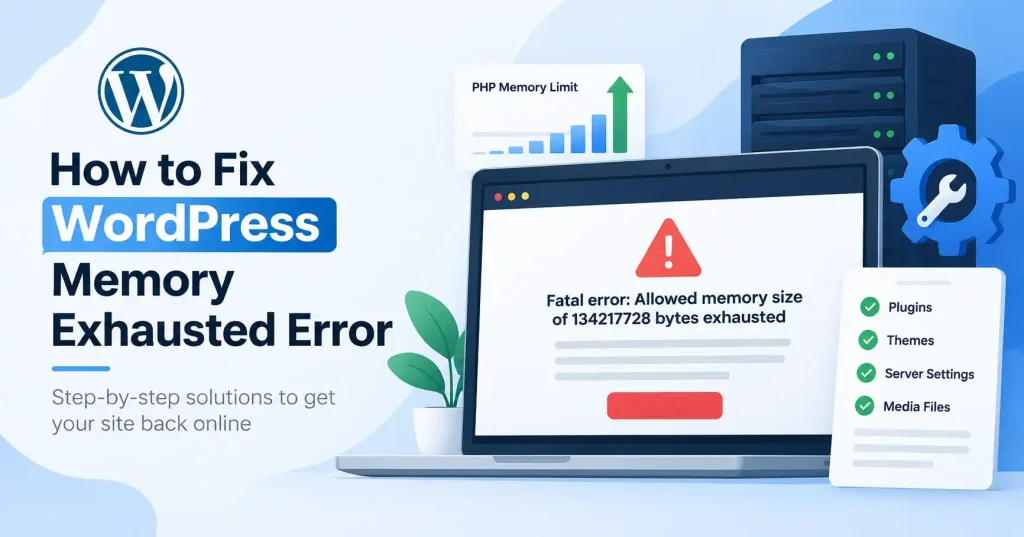
The wordpress memory exhausted error pops up when a PHP script running your site demands more RAM than your server allots. Messages like allowed memory size exhausted show up, sometimes…
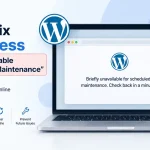
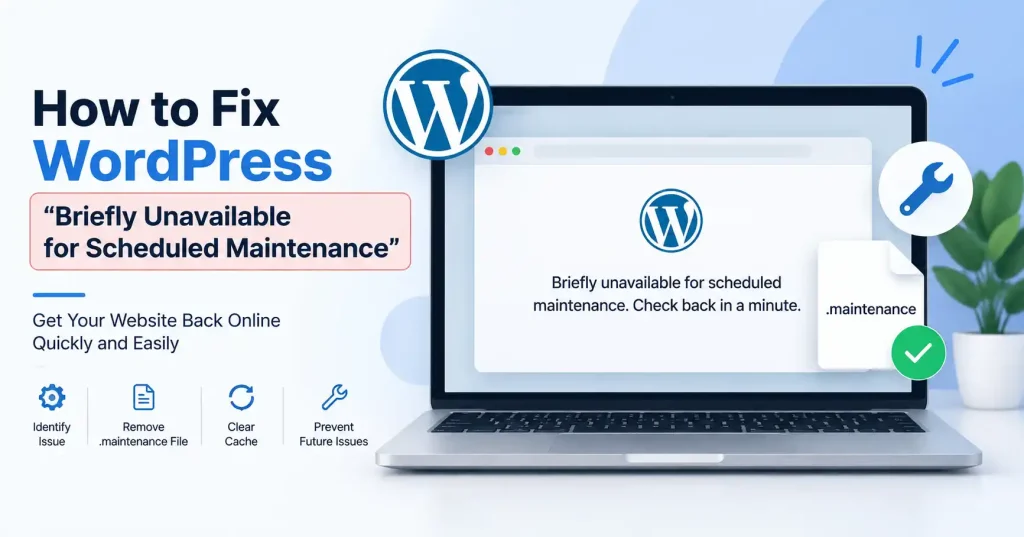
If your website suddenly displays “Briefly unavailable for scheduled maintenance. Check back in a minute,” WordPress is usually in the middle of an update. The message normally disappears automatically once…