

When people put together a brand new WordPress website, they spend hours comparing themes based on what they look like. Fancy demos , little animations, and bright layouts usually pull you in first, before you even think about the backend. Sadly, a lot of beginners do n’t realize that a gorgeous theme can also make the site feel slower if it’s put together in a messy way.
I have worked on sites where swapping an overstuffed theme for a lighter style, helped with loading speed a lot, and the user experience felt smoother as well. Also, search visibility seemed to gain some traction too. Even if theme changes by themselves wont guarantee better rankings, they still put in place the technical foundation for technical SEO, Core Web Vitals, and a more effortless browsing flow.
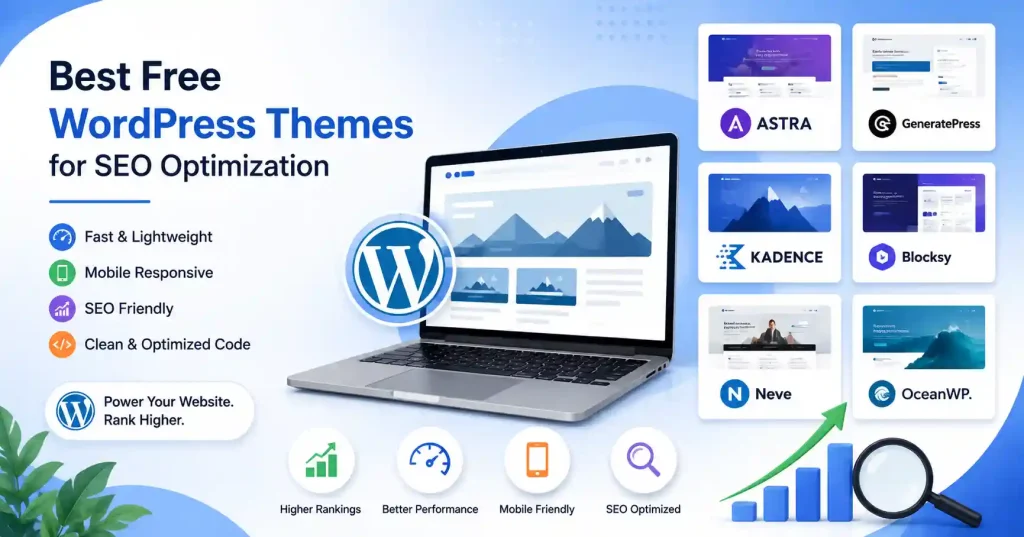
So if you are looking for the best free WordPress themes for SEO optimization, this guide goes over several options that focus on clean code, quick performance, strong mobile responsiveness, and good compatibility with popular SEO plugins.
Why Does Your WordPress Theme Matter for SEO?
Search engines look at more than just keywords. Website speed matters a lot, also mobile usability, the way the page is arranged, and user experience too, all of these things mix together and affect how your pages end up performing.
A lightweight theme helps cut down on extra code, so your pages load faster and it becomes easier for search engines to crawl around your site. That is why experienced website owners often lean on performance more than flashy visuals, not because they dislike the look, but because the outcomes are better.
Building a search-friendly website doesn’t stop with choosing the right theme. If you’re planning to attract organic visitors, our guide on How to Increase Website Traffic Without Ads explains practical strategies that work alongside a technically optimized website.
What Should You Look for in Free WordPress Themes?
Not every free theme is worth installing.
Before choosing one, consider these important factors:
- Fast loading speed
- Mobile responsiveness
- Clean coding standards
- Regular updates
- Compatibility with SEO plugins
- Page builder support
- Accessibility features
- Good user reviews
A good theme should help your website do well, with out needing dozens of extra plugins just to make the basics work properly.
Best Free WordPress Themes for SEO Optimization
A bunch of free themes tend to do really well over time, mainly because they keep things moving fast , they remain flexible and the design stays clean instead of piling on extra visual effects that nobody really needs.
| Theme | Best For | Page Builders | SEO Friendly | Performance |
| Astra | Business websites | Elementor, Gutenberg | Excellent | Excellent |
| GeneratePress | Blogs & Business | Gutenberg, Elementor | Excellent | Excellent |
| Kadence | Small businesses | Gutenberg | Excellent | Excellent |
| Blocksy | Creative websites | Gutenberg | Very Good | Excellent |
| Neve | Startups & Agencies | Elementor, Gutenberg | Very Good | Very Good |
| OceanWP | Multipurpose websites | Elementor | Good | Very Good |
Takeaway: Choose a lightweight theme that emphasizes speed and usability rather than visual complexity.
Astra
Astra stays one of the more popular picks among WordPress users, for reasons that just make sense really quickly. It tends to load quickly, plays nicely with the big name page builders, and comes with lots of starter templates so beginners can get a website going faster, without too much friction .
Honestly, I’ve found Astra especially helpful for business sites, because it brings a good balance between customization options and strong performance.
GeneratePress
GeneratePress is built with performance in mind.
It’s clean code, minimal design, and it feels like one of the fastest themes you can use for WordPress, seriously.
Even if it doesn’t bring as many ready made templates as a few competitors do, it still works great for people who care about speed, straightforward layout, and stable long term SEO results.
Kadence
Kadence has become more and more popular because it delivers advanced customization, yet keeps the loading speeds impressive.
With its drag and drop header builder , responsive controls, and integration with Gutenberg it feels like a solid pick for beginners who want flexibility without losing website performance.
Blocksy
Blocksy blends a modern feel with a performance that stays light , maybe lighter than you expect. It tends to work quite well for people like bloggers, agencies, and creative pros that need a visually appealing website while still keeping solid Core Web Vitals results.
Also the free tier comes with a bunch of features that some other themes usually hold back for premium plans.
Neve
Neve really leans into simplicity, and the mobile-first performance is… kind of the main idea, you know.
It is also pretty easy to customize, it supports AMP, and it works smoothly with Elementor and Gutenberg, with no extra drama.
For freelancers or small business owners who are putting together their first website, Neve gives a great compromise between day to day usability and raw speed.
OceanWP
OceanWP gives you more design breathing room than a lot of those free themes, honestly.
It’s a little heavier than Astra or GeneratePress, yet it keeps up pretty well if you apply good optimization habits and rely on solid hosting.
It is especially good if your site needs extra layout choices or stronger WooCommerce support.
Customize Your Theme Without Slowing Down Your Website
Installing a lightweight theme is only the first step.
Many beginners accidentally reduce website performance by:
- Installing too many plugins
- Uploading oversized images
- Adding unnecessary animations
- Using multiple page builders
- Installing dozens of fonts
A simple, clean design often performs better than one overloaded with visual effects.
Before publishing your website, it’s worth reviewing our On Page SEO Checklist to ensure every page follows SEO best practices, from headings and internal links to image optimization and metadata.
Free Theme vs Premium Theme
Many beginners wonder whether they should immediately purchase a premium theme.
For most websites, the answer is no.
Free themes from reputable developers already provide:
- Responsive layouts
- SEO-friendly code
- Regular updates
- Security improvements
- Basic customization
Premium versions mostly add a bit more advanced design controls, a bigger bundle of templates, plus specialized features too.
If your website is still expanding, then a high quality free theme is often more than enough.
Common Mistakes When Choosing a WordPress Theme
A theme can either support your SEO efforts or create unnecessary technical problems.
Some common mistakes include:
- Choosing themes based only on appearance
- Ignoring loading speed
- Installing abandoned themes
- Using outdated themes without updates
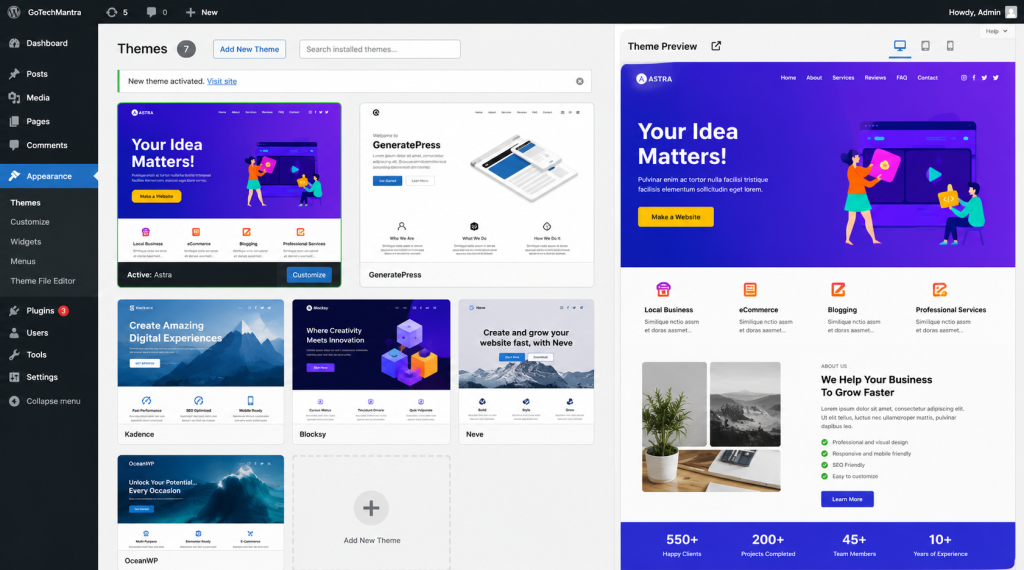
- Installing multiple inactive themes
- Relying heavily on third-party page builders
One observation I’ve made over the years is that many successful websites use pretty simple themes. Like, readers end up remembering helpful content a lot more than fancy animations, even if the site looks more refined than it actually is.
If you’d like to compare performance benchmarks, theme reviews, and optimization tips before making your decision, the WPBeginner Blog regularly publishes practical WordPress theme comparisons and recommendations trusted by beginners and professionals alike.
FAQ’s
Which free WordPress theme is best for SEO?
Astra and GeneratePress, are among the best choices really, because they give lightweight code, great performance, and good compatibility with SEO plugins.
Do WordPress themes affect search rankings?
Indirectly, yes. Themes touch page speed, mobile usability, Core Web Vitals, and that broader user experience, and all of that feeds into SEO performance.
Can I change my WordPress theme later?
Yeah, though changing themes can mess with layouts, widgets, and even custom settings, so its always recommended to back up your website first.
Are free WordPress themes safe?
WordPress themes? The official directory ones are usually safe bets. Just pick something from a good developer that they actually keep updated.
Which page builder works best with free themes?
Gutenberg plays nice, Astra, Neve, OceanWP, for example, truly shine with Elementor. Stellar, really.
Conclusion
Picking the correct free WordPress theme is one of those first, technical moves you will make when you start a website. A light weight, well kept theme helps with speed, makes the user experience better, and gives you a more solid base for search ranking. Keep your attention on performance, mobile fit, and long term reliability rather than flashy visual effects alone. When you pair that with good writing, solid on page optimization, and routine maintenance it helps the whole site grow steadily, over time.



Pingback: How to Reduce WordPress Page Load Time: 12 Ways