Introduction
If you want to find hidden keyword opportunities that your competitors are missing, People Also Search For (PASF) is one of the easiest and most powerful ways to do it.
This Google feature reveals real user behavior — showing what people search for after they don’t find what they need. In my experience, this is one of the simplest ways to discover low-competition keywords that can rank faster.
What is People Also Search For?
People Also Search For (PASF) is a Google search feature that shows related queries when a user clicks on a result and then comes back to the search results page.
It helps users find better or more relevant results based on their intent.
Key Points:
- Based on real user behavior
- Automatically generated by Google
- Highly relevant to your original search
Example of People Also Search For
For example, if you search “digital marketing”, you may see suggestions like:
- digital marketing course
- digital marketing salary
- digital marketing strategy
This clearly shows what users are interested in — learning, career, and strategies — which you can target in your content.
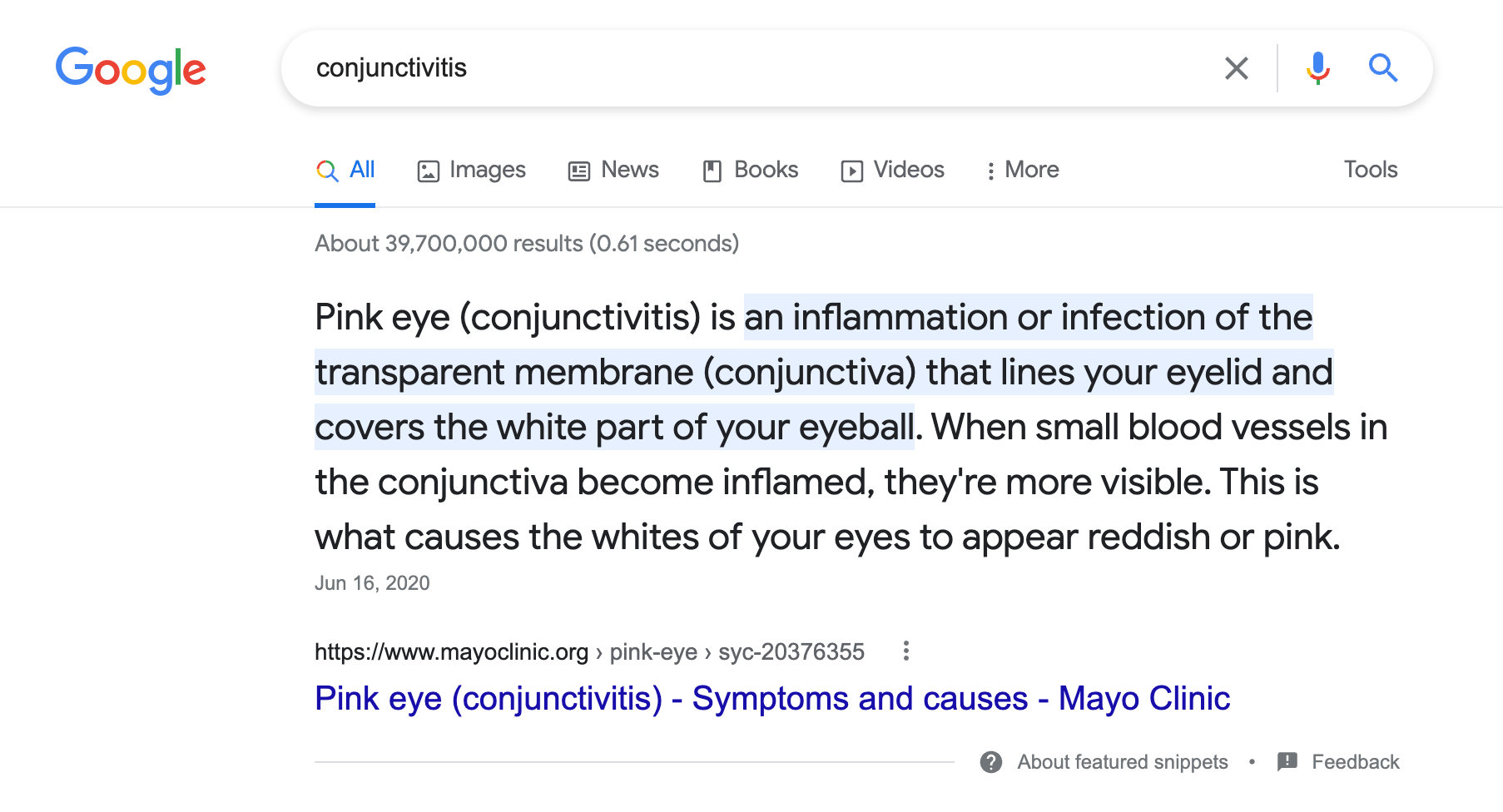
How People Also Search For Works
Google tracks user behavior like this:
- A user searches a keyword
- Clicks on a result
- Returns back quickly
Google assumes the result did not fully satisfy the user.
So it shows related queries (PASF) to help refine the search.
Most beginners ignore PASF, but SEO experts use it to uncover hidden keyword opportunities.
- Read our guide on how to search effectively on Google
Why PASF is Important for SEO
1. Discover New Keywords
PASF gives you real user-based keywords — not assumptions.
2. Understand User Intent
You can understand what users want next.
Example:
Search: SEO tools
PASF: free SEO tools, best SEO tools
Shows informational + comparison intent
3. Increase Organic Traffic
Using PASF keywords helps you:
- Rank for long-tail keywords
- Get more traffic
- Improve visibility
4. Build Content Clusters
You can create:
- Pillar content
- Supporting blogs
People Also Search For vs People Also Ask
| Feature | PASF | People Also Ask |
| Type | Related searches | Questions |
| Appears | After returning to Google | Always visible |
| Purpose | Suggest alternatives | Provide answers |
How to Find PASF Keywords
Method 1: Manual (Free)
- Search a keyword
- Click any result
- Click back
- See PASF suggestions
Method 2: Using SEO Tools
- Google Search Console
- Ahrefs
- SEMrush
Helps scale keyword research
How to Use PASF Keywords (Best Strategy)
1. Use in Headings
Add PASF keywords in H2 and H3
2. Use Naturally in Content
Avoid keyword stuffing — write naturally
3. Add FAQ Section
Convert PASF queries into questions
4. Internal Linking Strategy
Link to related content like:
- Keyword Research Guide
- On-Page SEO Guide
- Best SEO Tools List
This improves:
- Engagement
- Ranking
- SEO structure
Common Mistakes to Avoid
- Keyword stuffing
- Ignoring search intent
- Using irrelevant keywords
- Copying competitors
Pro Tips (Expert Strategy)
- Focus on long-tail PASF keywords
- Create separate articles for each keyword
- Combine PASF + FAQ strategy
- Update content regularly
FAQs
1. What is People Also Search For?
It is a Google feature showing related search queries based on user behavior.
2. Where does PASF appear?
After clicking a result and returning to the search page.
3. Is PASF important for SEO?
Yes, it helps in keyword research and ranking improvement.
4. Can I rank using PASF keywords?
Yes, if used naturally in headings and content.
Conclusion:
The People Also Search For (PASF) feature is one of the most underrated SEO tools.
By using it correctly, you can:
- Discover new keyword ideas
- Understand user intent
- Improve rankings
Start using PASF today and build smarter SEO strategies.